Technical FAQ: Automating Unity Editor With MCP
Game engineers searching for MCP for Unity frequently worry that AI coding tools will break binary prefabs or corrupt raw YAML scene serialization files. Using the three-tier architecture inside MCP for Unity prevents direct YAML corruption by routing actions exclusively through official Unity Editor C# APIs on the main thread.
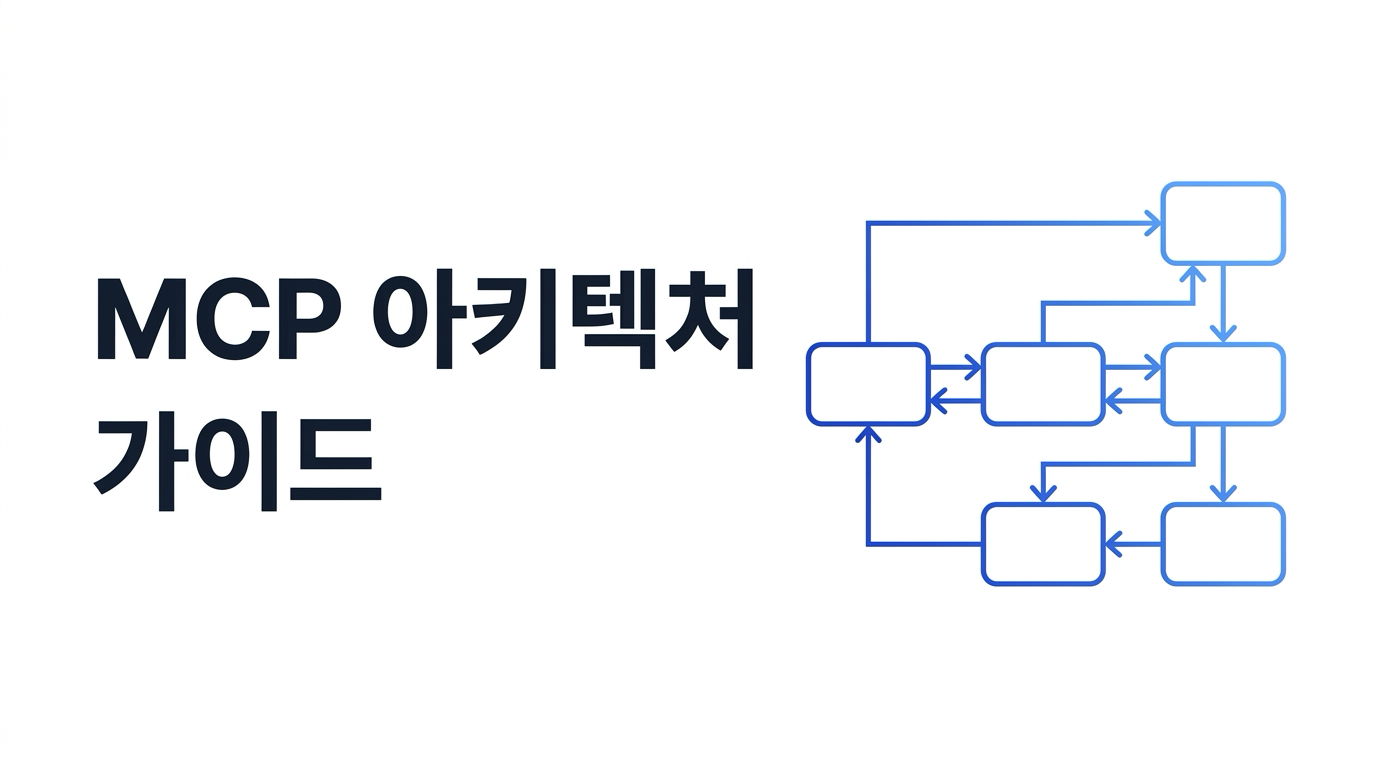
Three-Tier Architecture At a Glance
| Layer | Process Type | Key Responsibility |
|---|---|---|
| AI Client UI | Claude Desktop, Cursor, VS Code | Sends tool requests over stdio or Streamable HTTP |
| Bridge Hub | Python 3.10+ FastMCP WebSocket | Manages session isolation and routes Editor commands |
| Unity Package | C# MCPForUnity inside Unity 2021.3 LTS to 6.x | Mutates scenes, compiles scripts, runs tests safely |
Q1: How do I install the Unity C# package cleanly?
Open Unity Package Manager, click Add package from git URL, and paste the official CoplayDev repository path directly:
https://github.com/CoplayDev/unity-mcp.git?path=/MCPForUnity#mainTeams using OpenUPM workflows can also run openupm add com.coplaydev.unity-mcp cleanly. Ensure Git and Python 3.10+ with uv installed are available on your system PATH beforehand.
Q2: Do I still have to edit .cursor/mcp.json or claude_desktop_config.json manually?
No manual JSON hunting is required for standard setups. Inside the Unity top menu, open Window > MCP for Unity and click Configure All Detected Clients. The Editor plugin writes the exact uvx runner command and verifies connection readiness until a green Connected indicator appears. For multi-machine setups or CI troubleshooting, verify binary paths inside our Claude MCP Setup FAQ.
Q3: How many tokens does MCP for Unity consume alongside C# analysis tools?
Exposing roughly 34 to 50 rich scene, asset, prefab, and test tools consumes approximately 3,980 schema tokens. Pair Unity automation cleanly with lightweight structural C# helpers such as Repomix Codebase MCP for whole-project assembly checks and ast-grep Structural MCP for MonoBehaviour refactoring, while monitoring total budget inside our Token Overhead Matrix and PlayMCP Ecosystem Guides.